
Google Ads API vs Scripts vs RPA: choosing an automation approach
The right automation approach depends on the workflow you need to operate, not just the number of clicks you can eliminate. Use this guide to separate API integration, Google Ads Scripts, and browser-based RPA—and decide where each belongs in an enterprise advertising system.
RoiGuru · · 5 min read
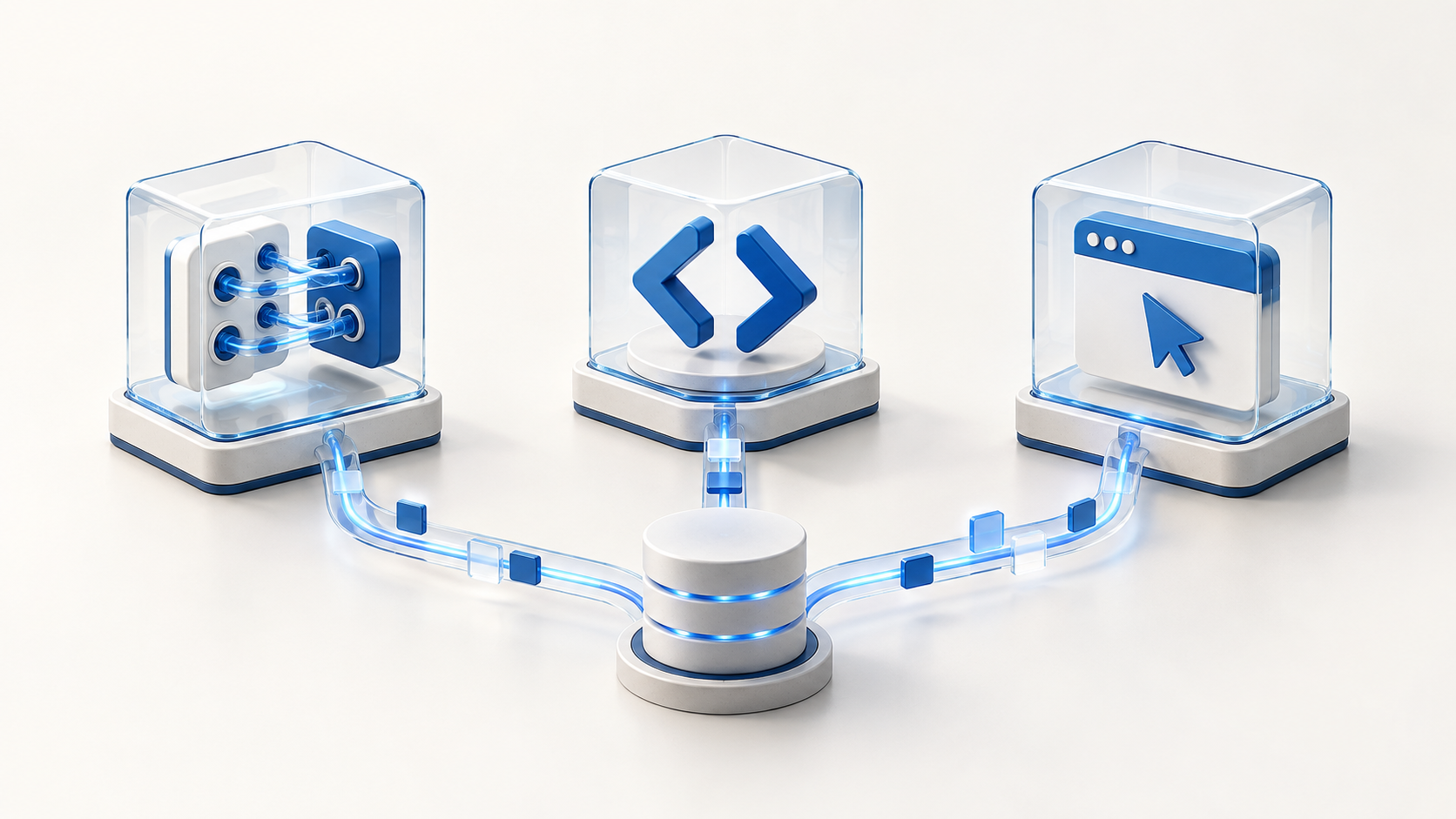
Start with the job, not the tool
An enterprise advertising workflow can involve a product database, campaign rules, an approval queue, and an advertising account. Calling the entire process RPA hides an important question: which system is responsible for each step?
This comparison uses RPA to mean automation that operates a browser interface. RPA platforms can also call APIs; the product label alone does not tell you how a workflow works. Google Ads Scripts are different from recorded browser clicks: they run programmatic logic against Google Ads data.
Our recommendation is to choose the simplest supported interface for each operation, then design how you will detect and recover from failure. More automation is not useful if nobody can explain which account changed, why it changed, or whether repeating the job is safe.
Google Ads API: a foundation for custom integrations
Google describes the Ads API as an interface for managing large or complex accounts and campaigns. Its documented uses include custom reporting and inventory-driven advertising. It is a candidate when advertising changes need to be coordinated with your own applications and data pipelines.
The API is an interface, not a finished operating system for your business. You still need to own deployment, monitoring, error handling, and the rules that translate a business event into an advertising change. Check support for each required operation rather than assuming that every account feature fits your intended workflow.
- Consider it when you need application-level control over scheduling, business data, and change records.
- Before committing, identify who will maintain the integration and respond when a job stops halfway through.
Google Ads Scripts: hosted logic, not just small-account automation
Google Ads Scripts let you query and manage advertising data using JavaScript in a browser-based development environment. Google documents support for external data and manager-account workflows, so dismissing Scripts simply because a business has multiple accounts is not a sound selection rule.
Scripts are worth evaluating when you want custom logic without operating your own execution servers. Google also documents scheduling without an active user session. The important question is whether the required operations, execution time, and service quotas fit the job—not whether the team considers itself an enterprise.
There is an operational detail worth testing early: an advertiser-account script has a 30-minute execution limit, and changes made before cancellation remain applied. Manager scripts normally have the same limit, with a documented extension to 60 minutes when using executeInParallel with a callback. A timeout is therefore not a rollback. Consult Google's current limits before designing a production workload.
Browser-based RPA: use it for a specific interface gap
Browser automation interacts with webpage elements—for example, filling fields, extracting values, or clicking controls. Microsoft's Power Automate documentation illustrates this approach and also distinguishes it from direct web-service calls. An RPA platform can combine both techniques in one workflow.
For advertising operations, our recommendation is to treat browser interaction as a deliberate exception where a suitable supported integration is unavailable, not as the default replacement for an API. A workflow tied to page elements has different maintenance needs from one that exchanges structured requests. Test what happens when the page, login state, or expected element changes.
Before automating any interface, confirm that the intended use is permitted and that account authorization is appropriate. If a security challenge or unexpected screen appears, stop for an operator rather than designing a way around the protection.
A practical decision checklist
Use a representative job to compare the options. Write down its inputs, target accounts, proposed changes, expected duration, and recovery procedure. The following are architecture recommendations, not a claim that one product is always faster or safer.
- A periodic account check with bounded logic: evaluate Scripts first if its supported operations and limits fit.
- A business application coordinating inventory and advertising changes: evaluate the API when you need to own the execution and integration layers.
- A necessary step available only through an authorized browser interface: assess a narrowly scoped RPA step with a clear operator handoff.
- A simple repetitive account change: check whether a native automated rule or another built-in tool removes the need for custom code.
- A mixed workflow: separate the steps and assign one authoritative writer to each type of change. Avoid having a script and a browser bot independently overwrite the same campaign settings.
Design for partial completion before you increase scale
Consider an illustrative inventory workflow: an item becomes unavailable, and an associated advertising action needs to change. The difficult part is not merely sending the update. The system must establish which item maps to which account resource, reject stale input, and determine what happened if the response is lost.
Record a proposed change before execution, the authorization behind it, the target resource, and the observed result. After an ambiguous failure, inspect the current state before retrying. A second attempt may be harmless for one operation and create a duplicate or unintended change for another.
Start with read-only reporting, then review proposed changes, then test a narrowly bounded write with an authorized operator. Define how to pause the automation without relying on the same component that may have failed. These controls belong to the overall workflow whether the executor is an API client, a script, or a browser.
- Account boundaries: allow only explicitly authorized accounts and operations.
- Change boundaries: require review for consequential budget or campaign changes outside the agreed policy.
- Recovery boundaries: stop on uncertain results and retain enough context for an operator to investigate.
Separate the architecture decision from a service's actual scope
Choosing an interface does not establish which campaign types a particular service supports. RoiGuru's published Google Ads service currently describes an internal, personnel-operated tool for authorized clients, covering Display and Performance Max campaigns. It is not a public self-service application.
Use this guide to frame an integration discussion, not as a promise of additional RoiGuru features or campaign support. The related Google Ads solution page sets out the current service scope; the data and security page explains its access and data practices.